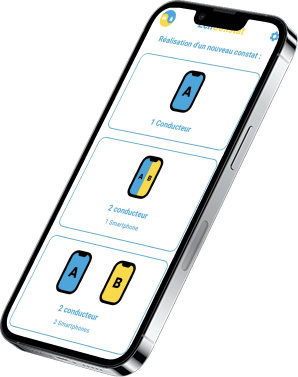
The accident statement, without the carbon paper.
Resolve the bother of filling out an accident statement by hand, with a tool that makes the whole process more convenient and far faster than passing one pen back and forth at the roadside.
Features
The European accident statement, filled out on your phone
Multilingual
Fill out a foreign accident report in your native language if an accident occurs during your trip.
Guided
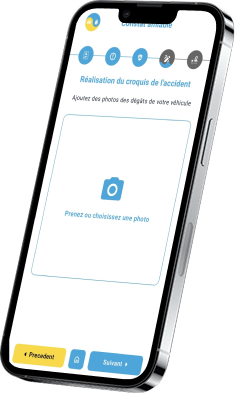
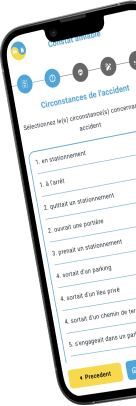
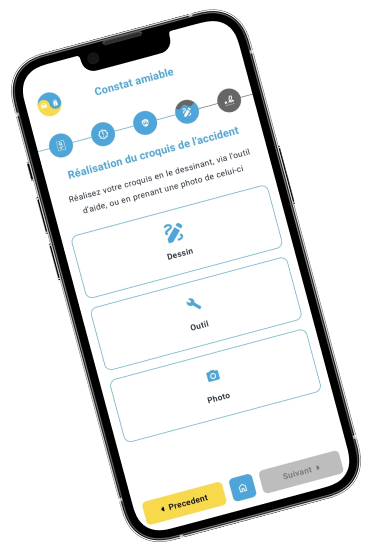
Get assistance throughout the process of completing your accident report, divided into 5 simple sections.
Official
As a result, obtain an official accident report protected from modification and send it to your insurance company.
See ZenConstat in action
From the first screen to the official PDF, a full statement in 39 seconds.
Advantages
Why use ZenConstat?
A faster process
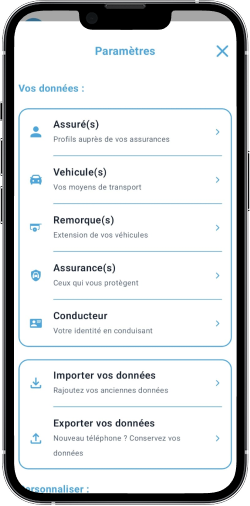
Be ready for any eventuality! Have your personal information and insurance details ready at all times. By preparing them in advance, you can save the most time-consuming part of completing an accident report.
Your information is stored securely on your smartphone and nowhere else, keeping it in the safest place possible.
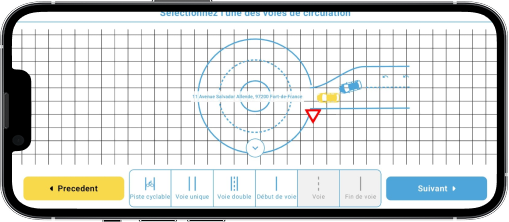
Accessibility tool
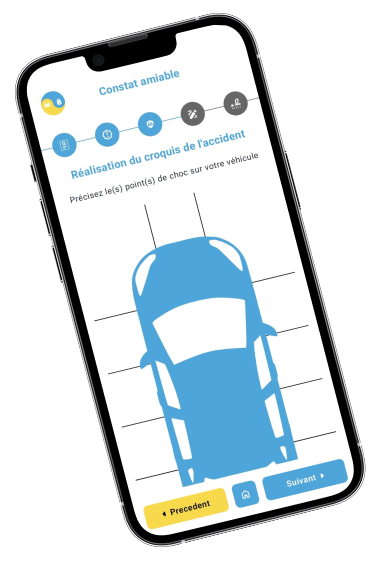
A tool has been designed to help you create a clear and accurate sketch, with pre-designed road lanes, vehicles, and traffic signs. A tutorial is included to help you quickly get familiar with the tool.
More accessibility features will be added over time to make completing an accident report easier and more convenient.
ZenAssistant, the assisted mode
After an accident, hands can shake and typing feels impossible. ZenAssistant fills in the statement with you from a simple conversation: tell it what happened, by voice or text, and it only asks what is still missing.
Photograph your insurance certificate, registration certificate or driving licence and it fills in the fields for you. It even draws the sketch from your description. You check every section before signing.
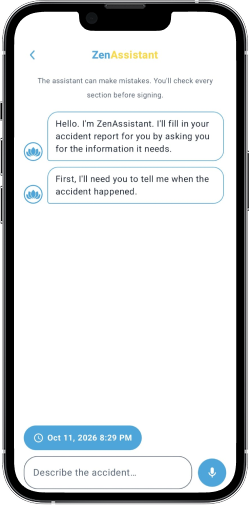
See ZenAssistant in action
Speak, tap, snap your papers: a statement filled in by conversation, in 23 seconds.
Frequently asked questions
Will my insurer accept the PDF?
The document follows the official layout of the European accident statement, just like the paper version. Signed by both drivers, it holds the same information. Processing it is up to your insurer, so if in doubt, check with them.
Does it work without signal?
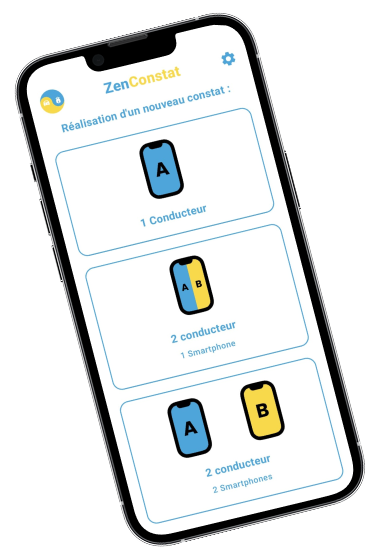
Yes. Alone or as two drivers on one phone, the whole statement and its PDF are created on your phone, with no connection. Only the two-phone mode and the location finder need internet.
Where is my data stored?
On your phone, with no account or sign-up. In the two-phone mode, the two halves pass through our server to be combined, then are deleted within 60 minutes at most.
What if the other driver doesn't have the app?
Fill out the statement together on your phone: each driver completes their part in turn and signs on the same screen.
Can I use it abroad?
Yes. Produce the statement in the language and layout of the country concerned, out of 21, while keeping the app in your own language.
Is the app free?
Yes, with no account. A full-screen ad, shown before the document is handed over, funds the app.
Ready to get started?
Prepare your details once, and the next accident statement takes minutes instead of an argument on the hard shoulder.